
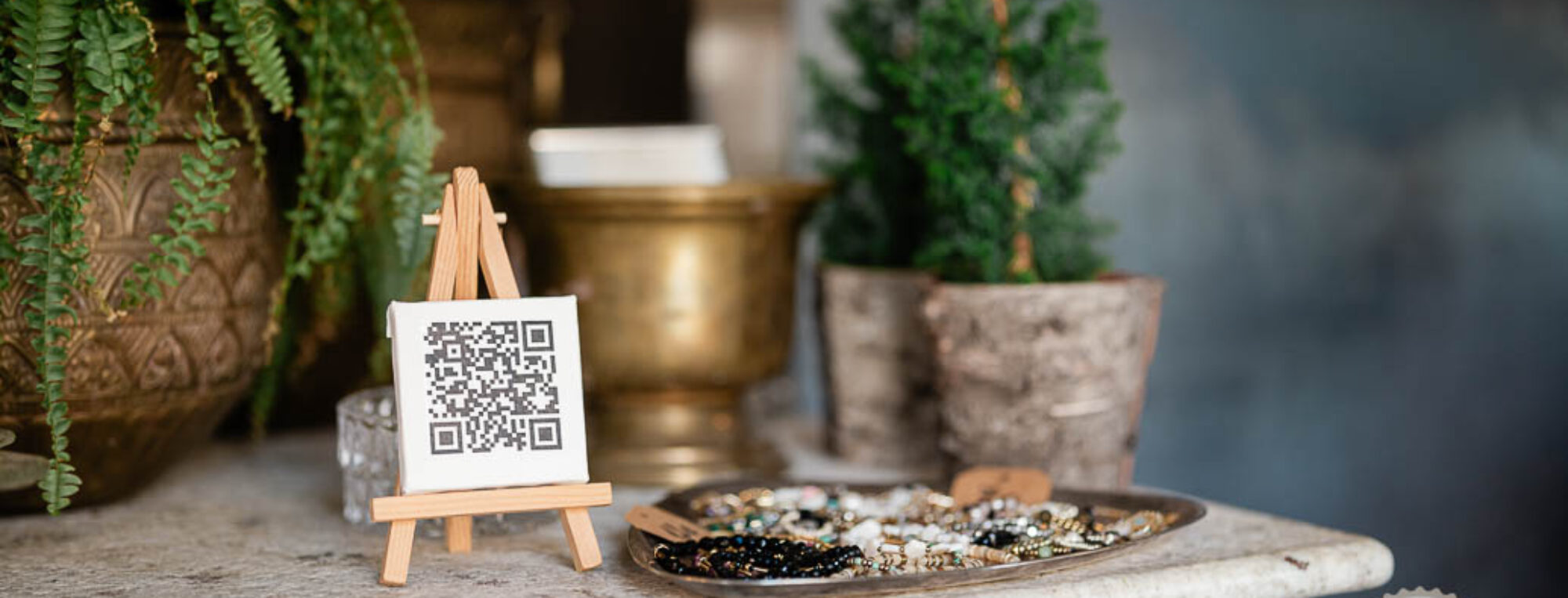
QR code placements are a common part of our lives. Currently, QR menus are becoming increasingly popular in the hospitality and hotel sectors worldwide.
Sometimes, the good intention behind using a QR menu turns into an impractical solution. As a result, customers don’t use it at all, and the business ultimately gains no value from the QR menu in terms of increased efficiency or profit.
So, what are the most common mistakes in using QR menus in businesses?
Incorrect Labeling of QR Codes in the Establishment
There are countless QR codes in use today—they can be found on washing machines, dishwashers, pumps, doors, flyers, books, billboards, and more.
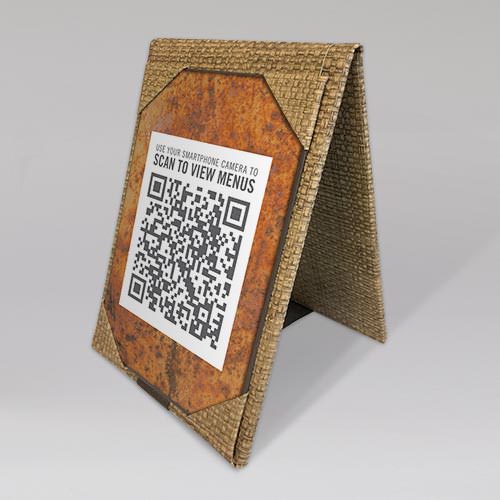
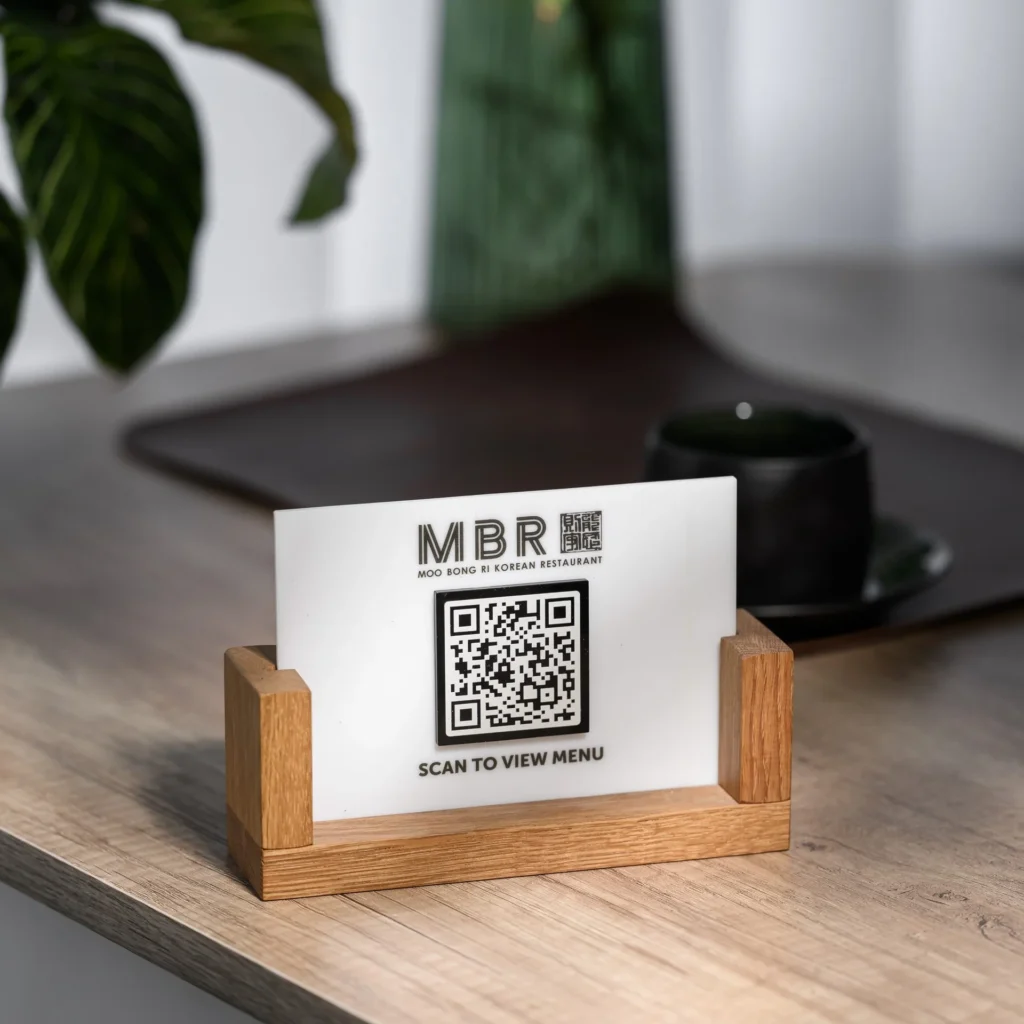
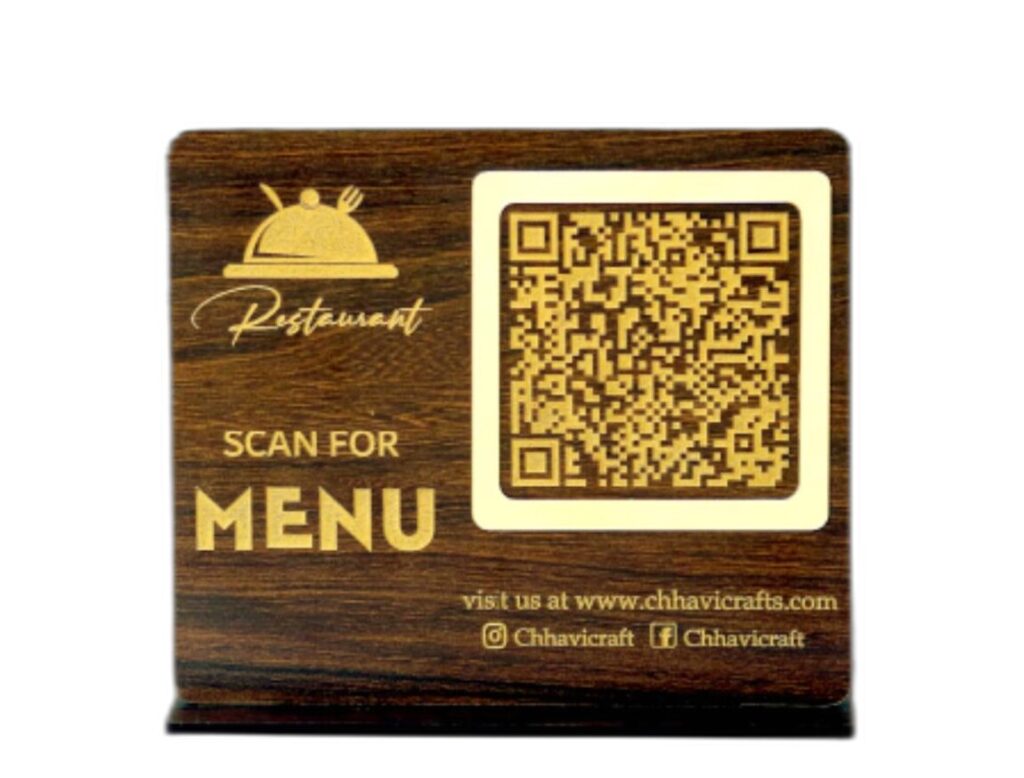
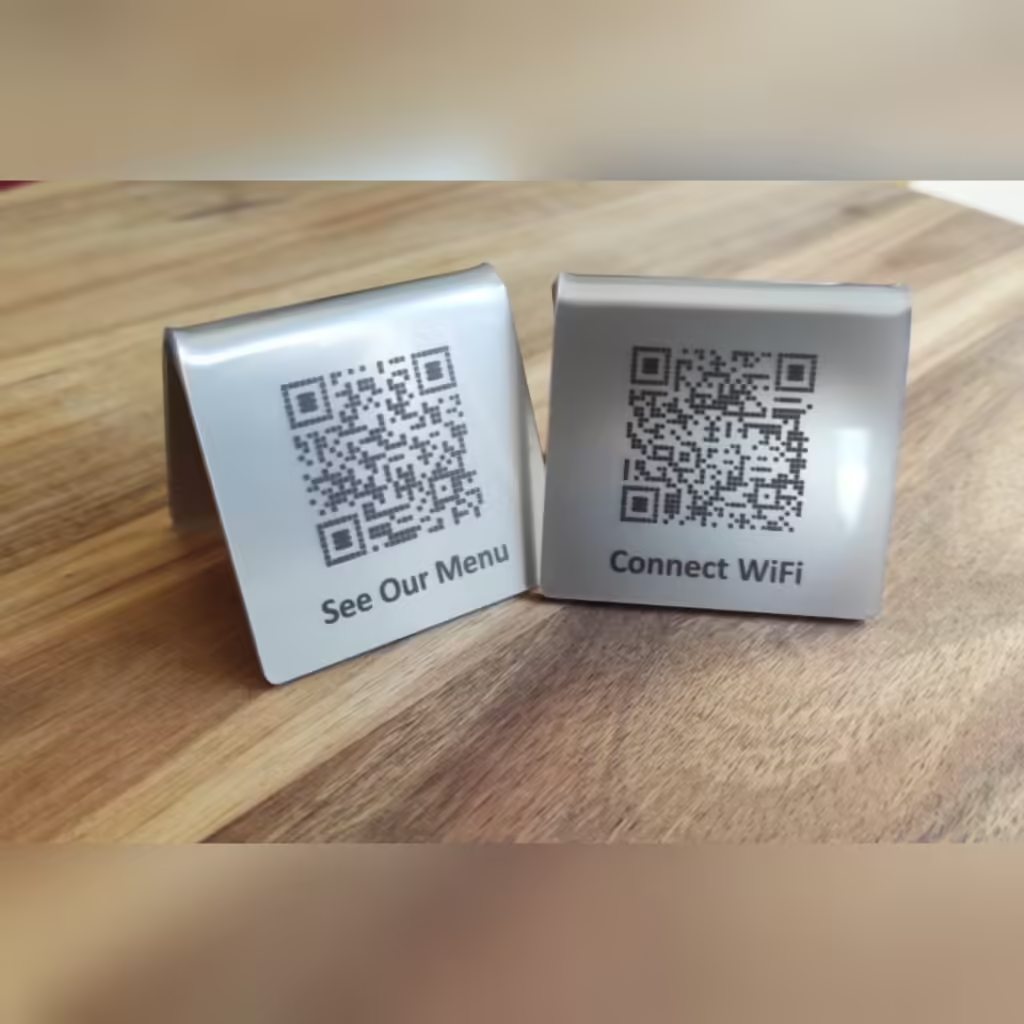
✅ The first step is to have a properly labeled QR code. Well-managed establishments label their QR codes with texts such as: “MENU,” “SCAN FOR MENU,” “LUNCH MENU,” “SCAN ME” or “QR MENU.” See the examples below.
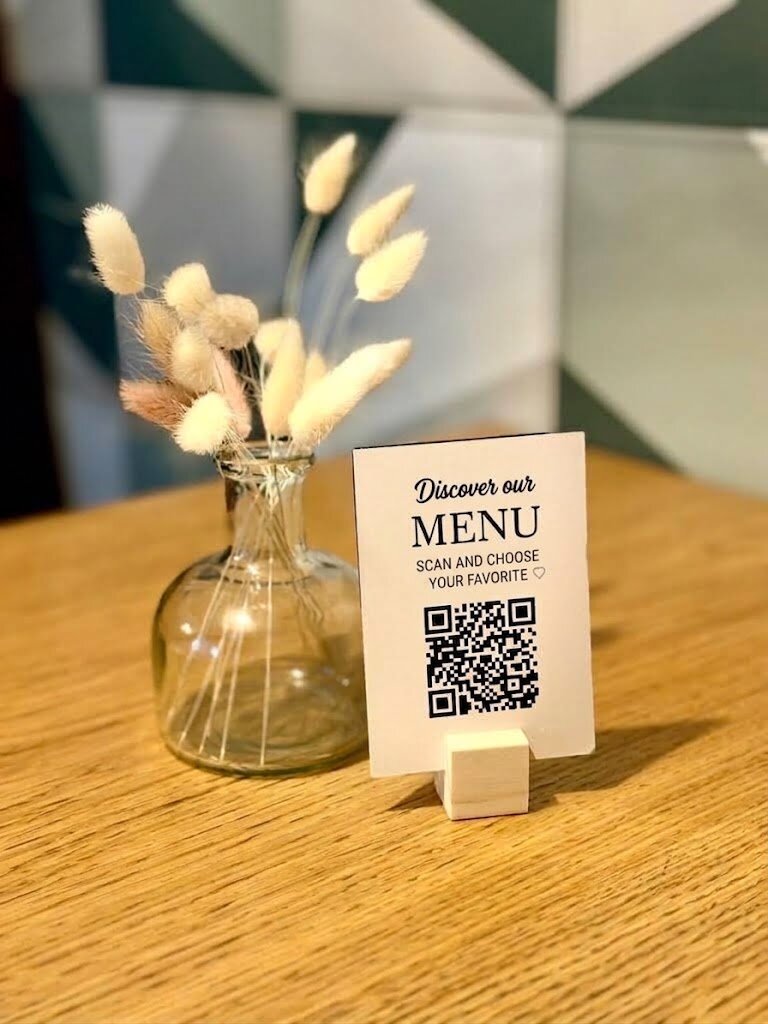
❌ The worst thing you can do is place a QR code on the table without any of the labels mentioned above.
☝️ The mistake above is the most common one we encounter.
Incorrect Placement of QR Codes in the Establishment
❌ A tiny QR code.
❌ A QR code placed on a small object or hidden “somewhere” between other items like a drink menu.
✅ The QR code should be large—keep in mind that it needs to be easily readable even for people aged 65–70 (yes, they also use iPhones or the latest Samsung phones).
✅ The QR code should be easy to find—don’t hide it under a vase or bury it among promotional papers or the drink menu.
🍀 If you place codes on the corners of tables, ensure that everyone sitting at the table can scan it easily without any issues.
Incorrect QR Codes printing
❌ Printed QR codes can get splashed on and eventually become unreadable and unscannable, rendering your QR menu useless.
❌ Paper QR codes glued to the table will wear out over time due to cleaning.
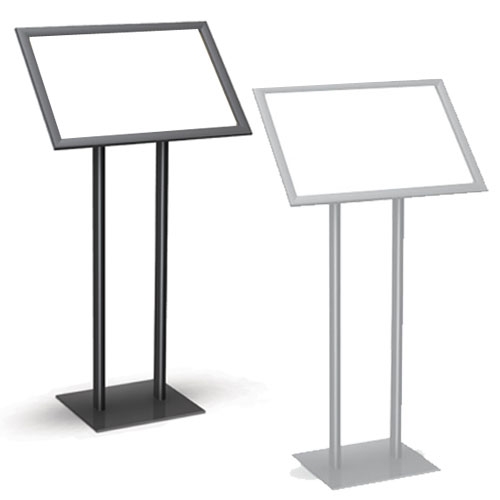
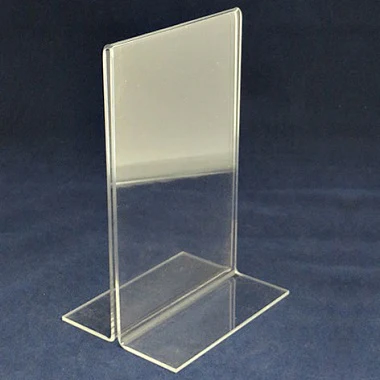
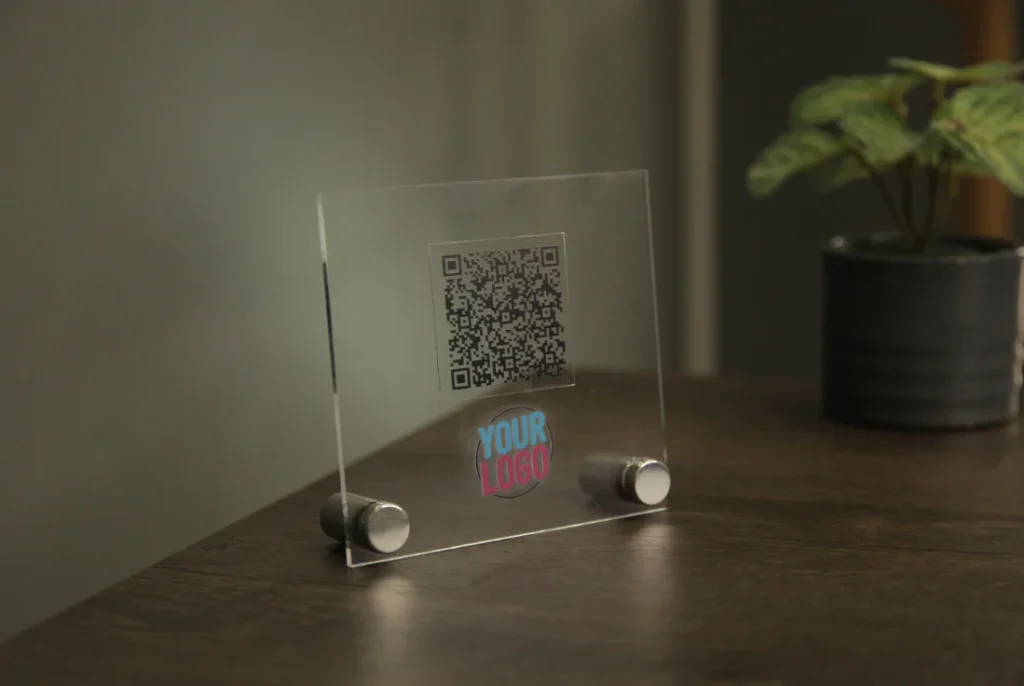
✅ We recommend placing the QR code in a plastic stand.
✅ Alternatively, consider using engraved metal QR codes fixed to the corners of the table. However, ensure that they don’t interfere with diners’ comfort (e.g., no scratching or discomfort while eating).
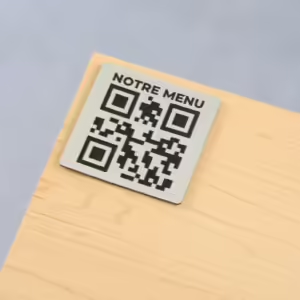
❌ We don’t recommend wooden stands or blocks with an engraved QR code. Engraving in wood has low contrast and phone cameras often can’t read it. Small wooden blocks also get picked up by children, who play with them and lose them.
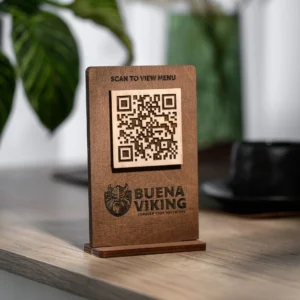
How a good QR code looks on the table
A good QR code is large, high-contrast and it is clear at first glance that it leads to the menu. This is what a code generated in pikMenu looks like: a black code without a background and your venue’s logo in the middle. Download it as an image for everyday printing or as a vector for a print shop, even for a poster.

Other “Forgotten” QR Code Placements
✅ Doors. Yes, doors. Your business doors.
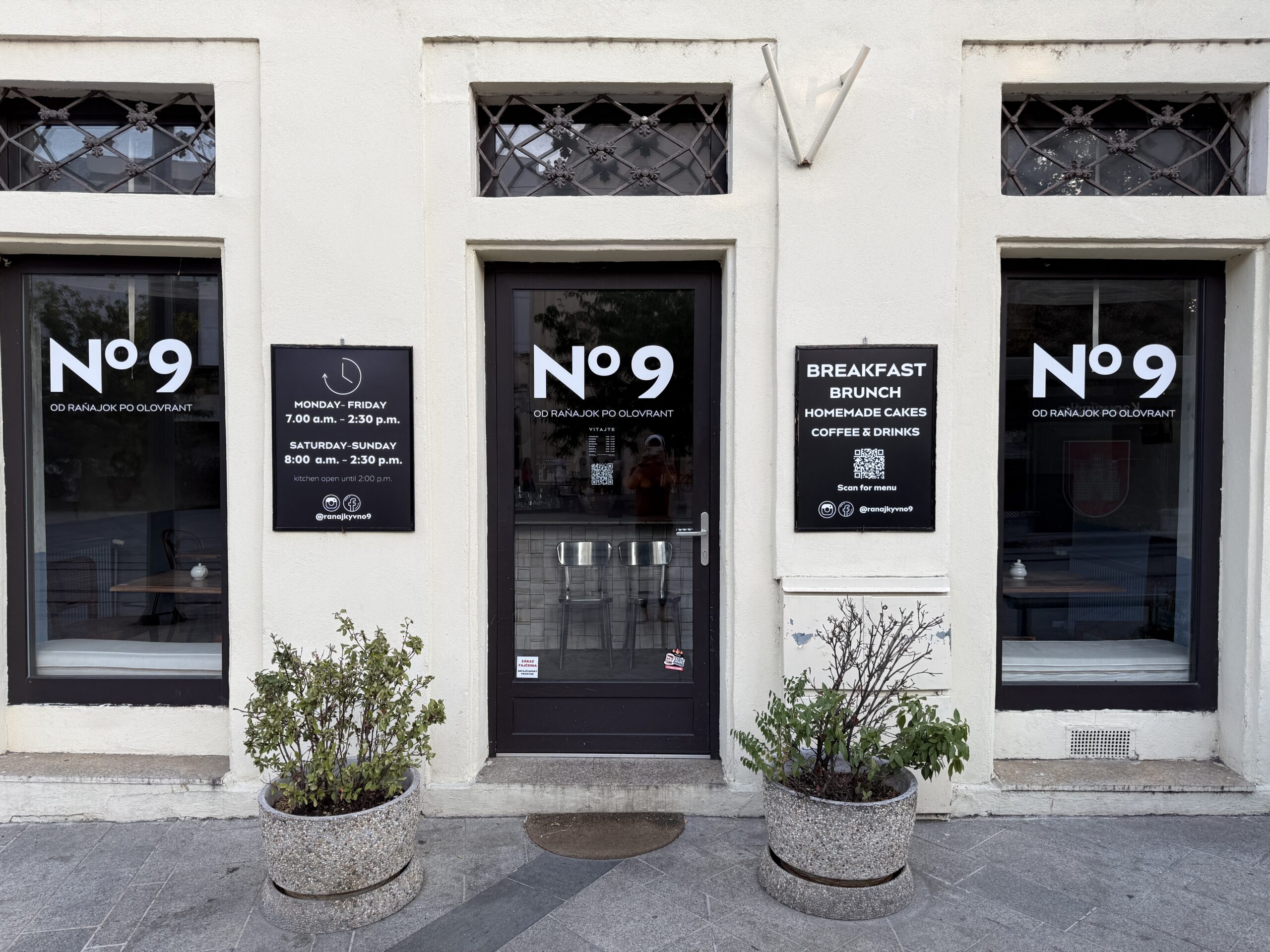
Imagine this scenario: It’s Sunday evening, your business is closed. A family walks by, and the father remembers hearing about your place and wants to check out your offerings. Maybe he’s considering bringing the family for lunch or looking for a venue to celebrate mom’s 50th birthday.
If you have a QR code on the door, he can take out his phone, open the camera, and access your entire QR menu with a single click.
But if there’s no QR code, he might say: “Oh, they have a website address. I’ll look it up when I get home.” … Do you really think he’ll remember to do that once he gets home? 😁
✅ Delivery boxes.
☝️ TIP: If you don’t want to spend much on printing, use a stamp to “print” QR codes on boxes, like pizza boxes!
✅ Flyers and marketing materials.
✅ Cars, billboards.
❌ DON’T FORGET to mention on these materials that the QR code links to your MENU.
✅ A frequently overlooked spot is the board in front of your business. It’s usually just text, BUT. EYES EAT FIRST!
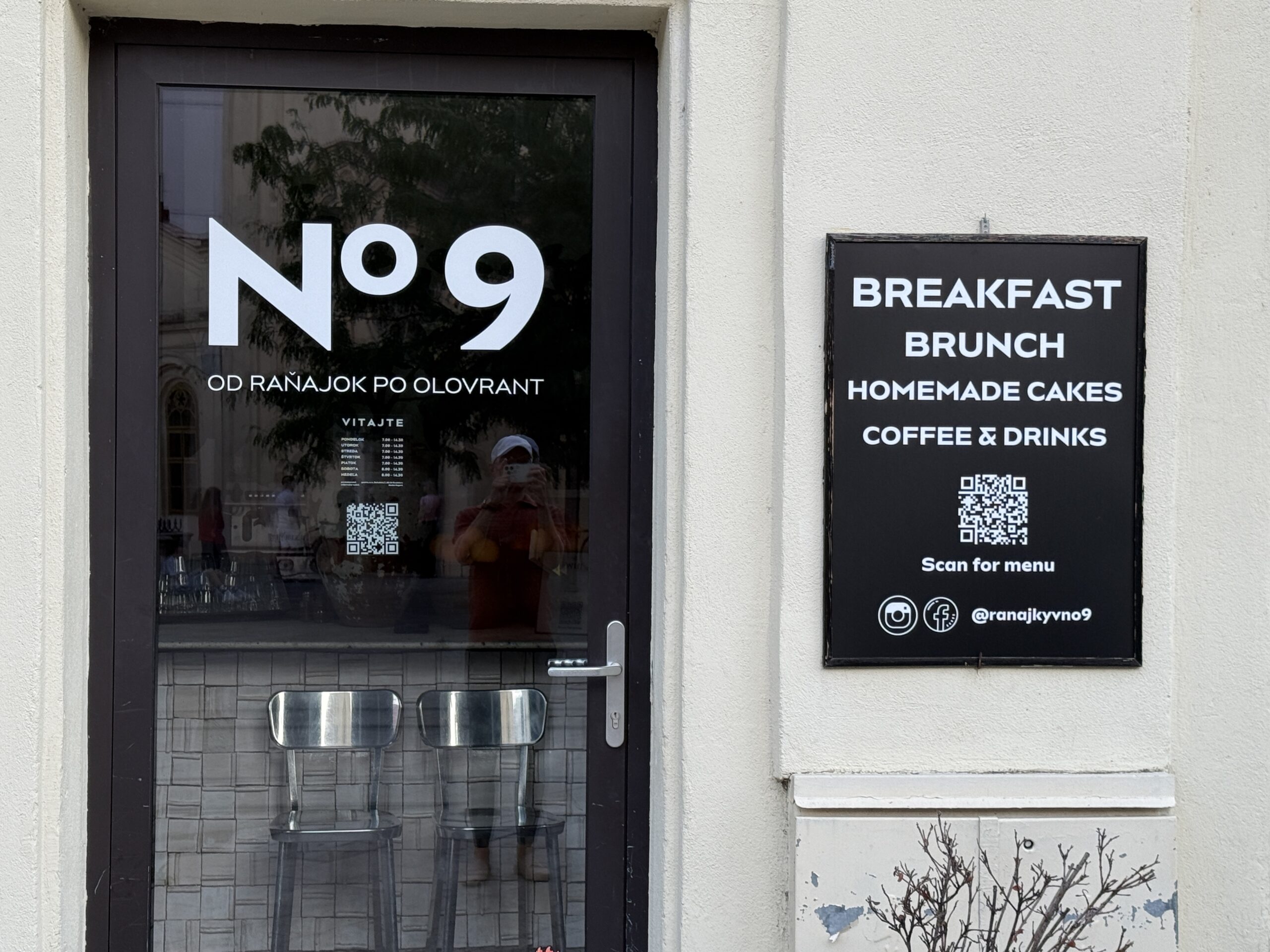
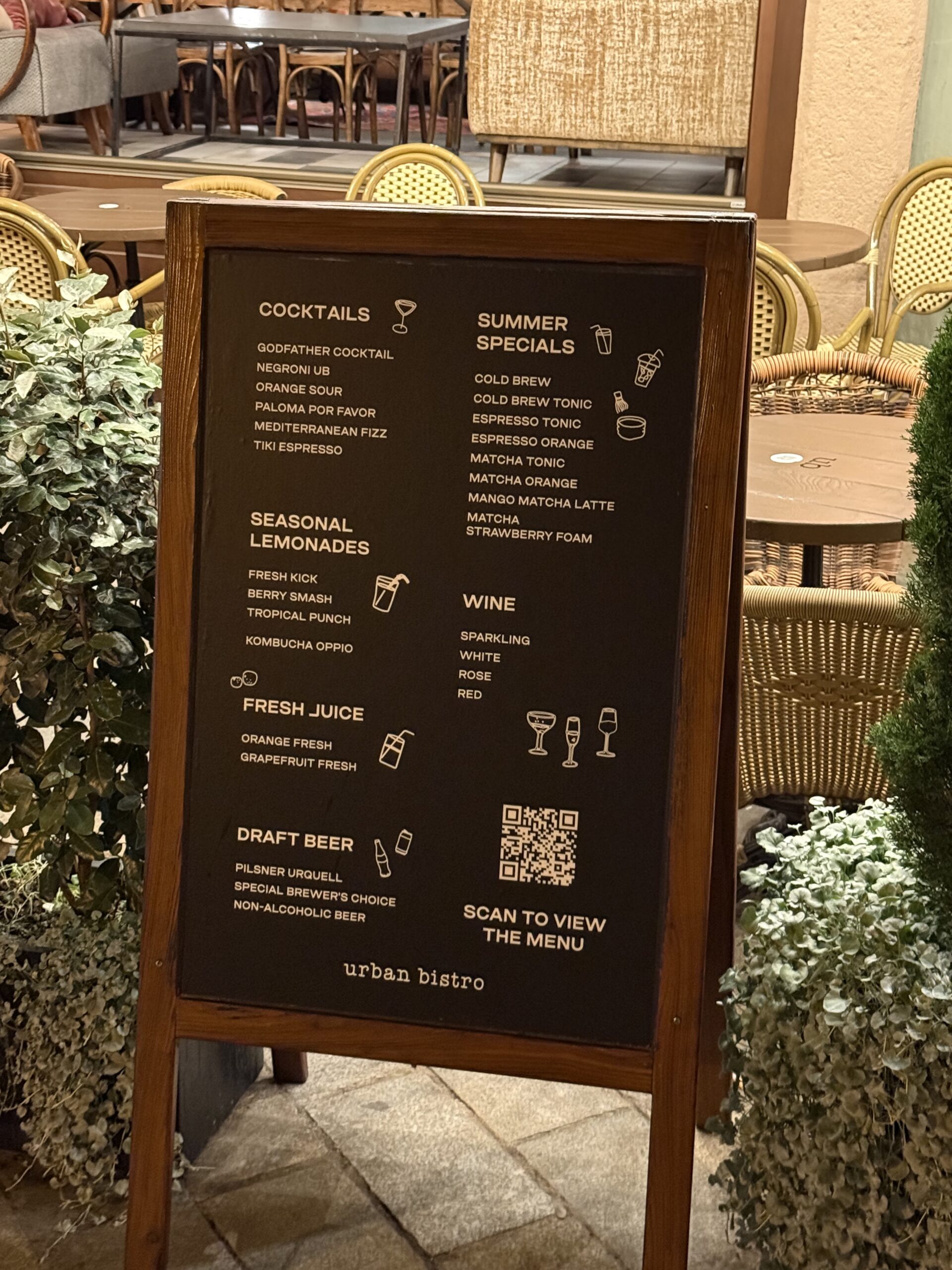
QR Code Placement Ideas



2 thoughts on “QR Code Placements: Common Mistakes”
Comments are closed.